Affiliate Disclosure: This article contains affiliate links. We may earn a commission on qualifying purchases at no extra cost to you. Learn more.
⚡ Key Takeaways
- A 27-inch 1440p monitor is the sweet spot for most remote workers balancing screen space and sharpness.
- Dual monitor setups increase productivity by up to 42% for multitasking workflows (research by Jon Peddie Research).
- IPS panels offer better color accuracy and viewing angles than VA or TN panels for office use.
🏆
Remote work success depends heavily on your monitor setup. A good display configuration enhances productivity and reduces eye strain.
Single vs Dual Monitor
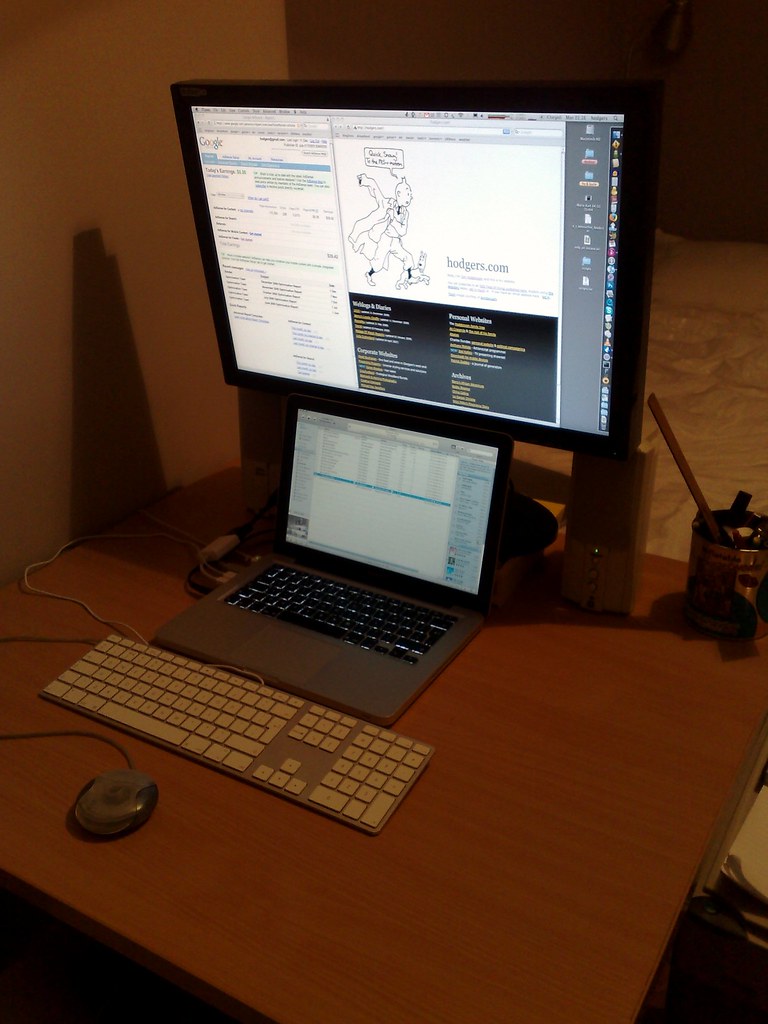
Dual monitors increase productivity by allowing multitasking. Developers prefer vertical stacking, designers prefer horizontal.
Screen Placement and Ergonomics
Position screens at eye level, 20-26 inches from your face. Consider adjustable monitor arms.
Our Pick: Dell UltraSharp 32 4K
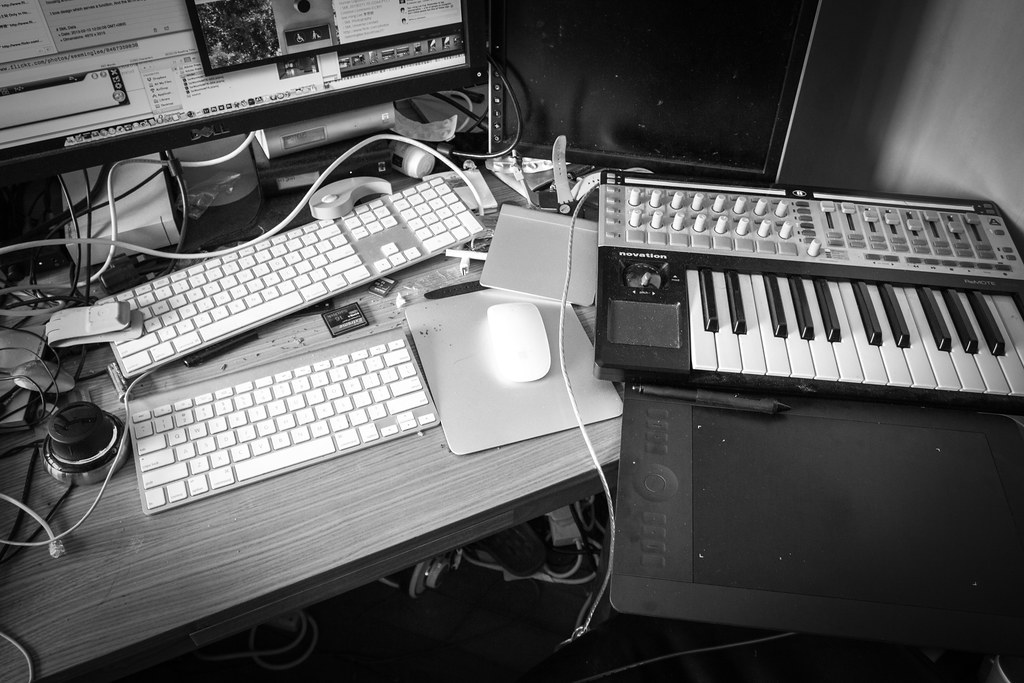
Exceptional image quality with excellent color accuracy. Check price on Amazon
Conclusion
A thoughtfully configured monitor setup transforms your workspace.