- At 27 inches, 1440p (QHD) resolution provides noticeably sharper text than 1080p and is the recommended minimum.
- Place your monitor 20–30 inches from your eyes with the top of the screen at or slightly below eye level.
- The LG 27GP950 and Dell UltraSharp U2722D are the top-ranked 27-inch monitors for remote work in 2026.
Choosing the right monitor size is one of the most impactful decisions you’ll make for your home office on a budget. The best monitor size for remote work isn’t just about screen real estate — it’s about finding the perfect balance between productivity, comfort, and workspace efficiency.
Resolution Considerations at Each Size
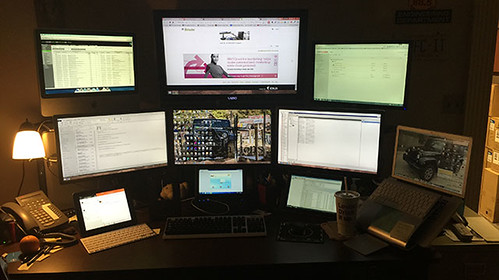
Both sizes can accommodate Full HD (1920×1080) resolution, but the experience differs. A 24-inch monitor at Full HD provides adequate clarity for basic tasks. A 27-inch at Full HD offers significantly more screen space for multitasking. For premium visuals, both sizes support 1440p (2560×1440) — at 27 inches, this delivers an excellent balance of sharpness and workspace.
Eye Strain and Viewing Distance
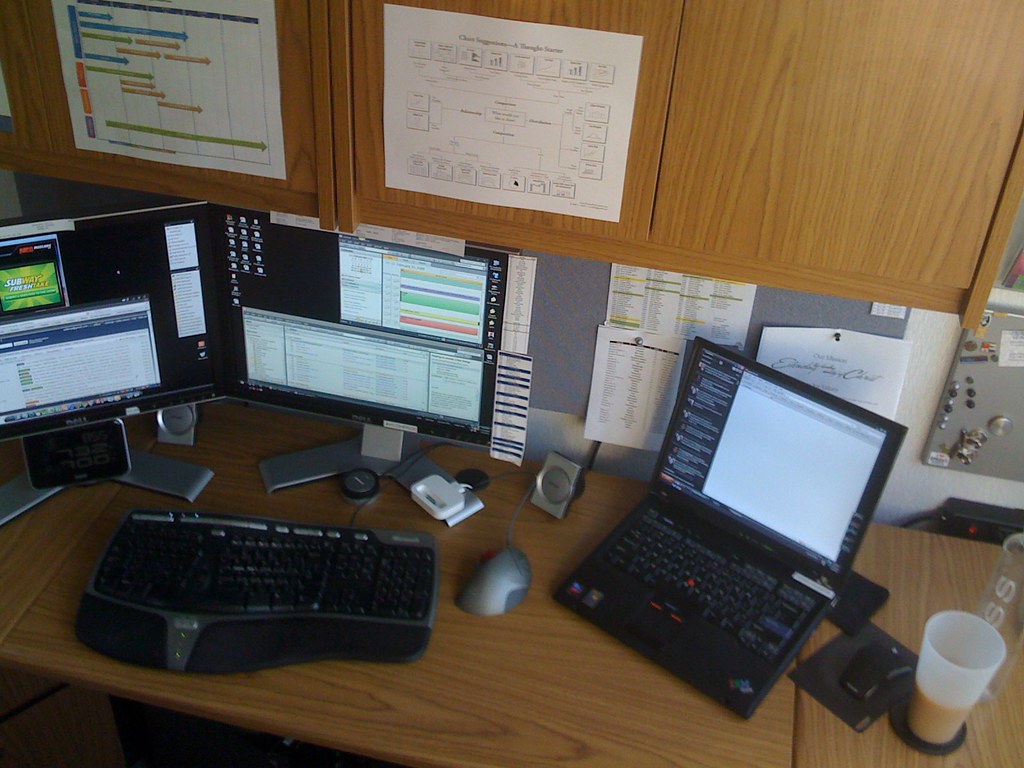
A 24-inch monitor works best at 20-26 inches from your eyes. A 27-inch monitor is optimal at 26-30 inches, which reduces eye strain and creates a more natural viewing experience. Both sizes benefit from blue light filters and flicker-free technology for long workdays.
Productivity Impact
A 24-inch display excels for focused, single-application work. A 27-inch monitor dramatically improves productivity for multitaskers — you can comfortably run multiple windows, browser tabs, and documents side by side. For remote workers who attend video conferences or manage complex projects, the 27-inch advantage is clear.
Top Picks
Best 24-Inch: Dell UltraSharp 24″ 4K Monitor
Exceptional value with 3840×2160 resolution and vibrant color accuracy. Particularly well-suited for graphic designers and content creators. View on Amazon
Best 27-Inch: LG 27GN950-B
Stunning 1440p resolution with excellent response times and a 144Hz refresh rate. The perfect balance of performance and affordability. View on Amazon
Premium 27-Inch: ASUS ProArt PA278QV
Outstanding color accuracy and professional-grade features for creative remote workers. View on Amazon
Our Recommendation
If you frequently work with multiple applications and have the desk space, choose 27 inches. If you work in a compact space or primarily handle single-task workflows, a 24-inch display is perfectly adequate and more affordable. When in doubt, go bigger — you’ll rarely regret the extra screen space.